You encounter the “Auto Start/Stop unavailable” message on your Honda when the system fails due to battery issues, sensors, or environmental factors.
You reset it by warming the engine, parking safely, opening the hood, and restarting repeatedly until the warning clears. But if problems persist, you’ll need to check fuses, modules, or software updates next.
Quick Navigation
Key Takeaways
- Warm up the Honda by driving at least 10–15 minutes before attempting an Auto Start/Stop (AIS) reset.
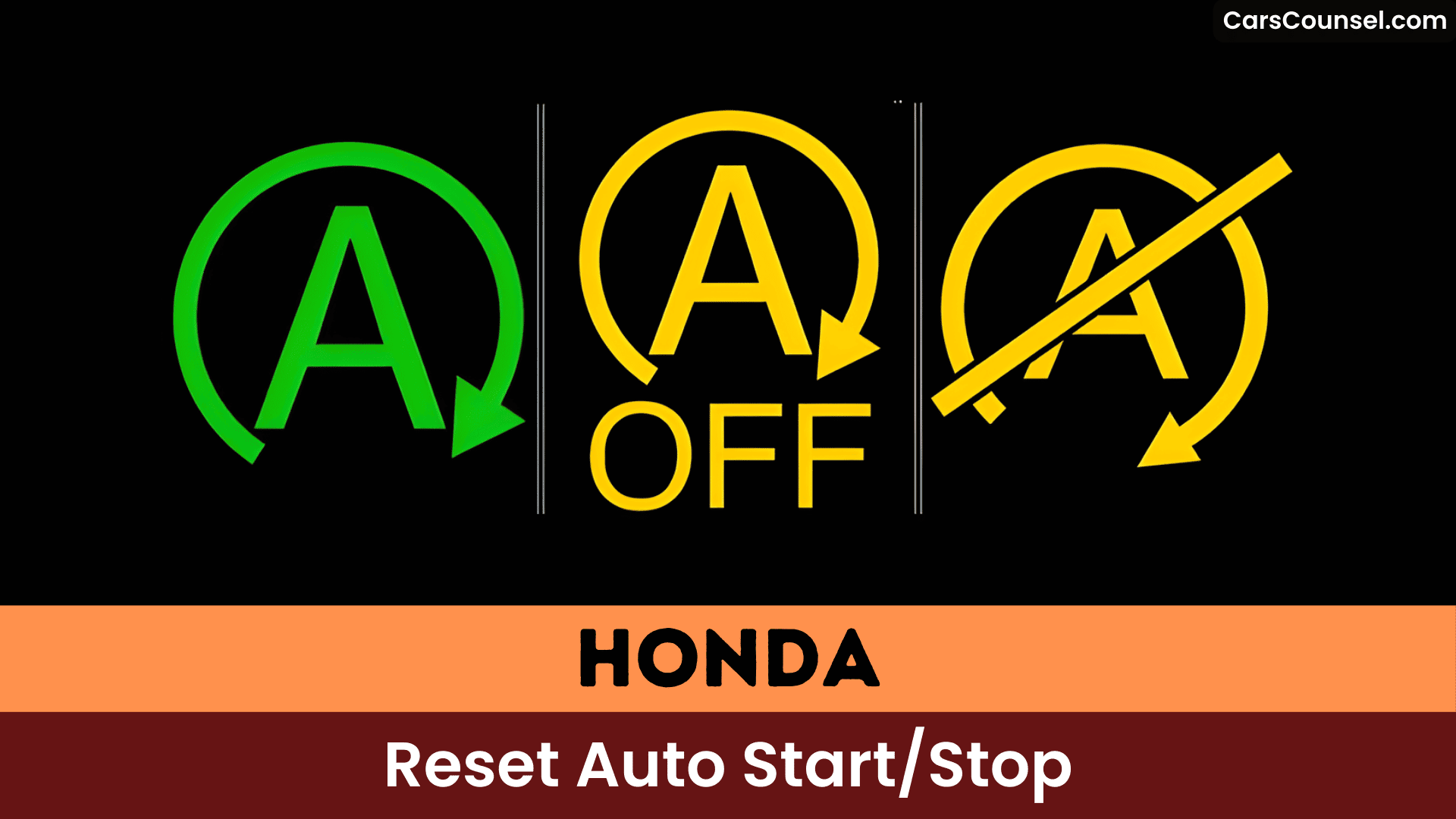
- Confirm the dash shows “Auto Stop Unavailable” or similar before performing the reset procedure.
- With vehicle stopped and hood open, cycle the ignition off and then restart the engine to force AIS reinitialization.
- Repeat the hood-open ignition cycle about five times to complete the AIS relearn.
- If warnings persist, check battery state-of-charge and seek professional diagnostic since low battery or faults prevent AIS reset.
Understanding Honda’s Auto Start/Stop (AIS) System
You can temporarily disable it via Sport mode or console buttons, or use an Idlestopper device for permanent shut-off.
However, AIS system limitations include inconsistent performance, often needing resets after maintenance or environmental changes, plus warning lights from low battery or safety issues.
When and Why an AIS Reset Is Needed
When a throttle-body service, intake sensor work, battery replacement, or similar maintenance interrupts the Auto Idle Stop (AIS) system’s learned settings, you’ll often need to reset it so the system can recalibrate and resume reliable stop/start operation. You’ll also reset if the AIS system’s unresponsive or warning lights appear, signaling malfunctions.
AIS performance factors like extreme temperatures or cabin humidity can disrupt it, while a flat battery leaves lingering alerts. Perform resets during regular maintenance to avert issues. You gain AIS reset benefits like cleared lights, ideal recalibration, and efficient fuel savings.
Step-by-Step AIS Reset Procedure for Honda Vehicles
Resetting the Auto Start/Stop (AIS) system on your Honda requires a warmed-up vehicle after driving at least 15 minutes.
Confirm the AIS message shows “unavailable” when stopped, then park safely, shut off the engine, and open the hood. Restart the engine; verify the hood open message displays, then turn off and close the hood. Restart again and drive to check the restoration.
Repeat this AIS reset procedure at least five times for full reinitialization. You’ll enjoy AIS reset benefits like reliable starts and improved AIS system maintenance.
Troubleshooting Persistent AIS Warnings and Battery-related Causes
| Issue | Action |
|---|---|
| Flat/discharged battery | Full recharge or replacement |
| New battery but light stays | Drive/allow relearn |
| Environmental effects | Inspect and shelter vehicle |
| Recurring warnings | Professional diagnostic |
Options to Disable or Permanently Manage AIS
Alternatively, use Ktuner v2 to disable AIS while loading tunes on compatible Honda models.
Switch to sport mode for temporary disablement. Turning off climate controls like AC or heater can also prevent AIS activation in varying conditions.
Monitor battery health regularly to avoid related issues.
Frequently Asked Questions
How Do I Reset My Start-Stop System?
Turn the start stop feature off, then perform system troubleshooting by switching ignition to Acc for 10 seconds, On for 10 seconds, repeat five times, then start and drive at least 15 minutes to complete reset.
Why Is My Honda Auto Stop Not Working?
40% of Honda owners report auto start stop failures from low battery or open hood. You likely face low charge, cold temps, or unbuckled belt—check these for system troubleshooting, close hood, and verify battery health. (35 words)
How to Reset Stop-Start on Honda CRV?
Follow the resetting procedures: cycle ignition to ACC for 10s, ON for 10s, start and run 1 minute, repeat at least five times to recalibrate CR V features; consult a dealer if the stop-start still fails.
Why Is My Auto Start-Stop Not Working?
Your Auto Start‑Stop not working can stem from environmental or safety conditions, battery or battery sensor faults, blown fuses, software/ECU issues, or disabled system settings—use auto start stop issues troubleshooting tips: check battery, fuses, settings, dealer updates.
Conclusion
You’re the steward of your Honda’s heartbeat; resetting AIS is like coaxing a sleeping engine awake so it can breathe efficiently again. Warm the car, trigger the “unavailable” message, open the hood, restart, and repeat—each cycle is a careful pulse that re-teaches the system its rhythm. Do this reliably, and you’ll prolong battery life and smooth starts; ignore it, and the car’s idle-song may falter when you need it most.

