Knowing exactly what each dashboard icon means keeps small glitches from turning into breakdowns and lets you decide whether to pull over, book service, or simply keep driving. Honda follows a traffic-light rule: red means stop right now, amber means sort it soon, and green just keeps you informed.
Quick Navigation
Red (Stop Immediately)
Engine Oil Pressure
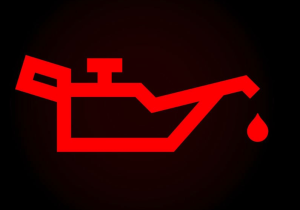
Low oil flow can wreck the engine. Pull over, shut off the motor, check the dipstick, top up if needed, and seek help if the light stays on.
Brake System
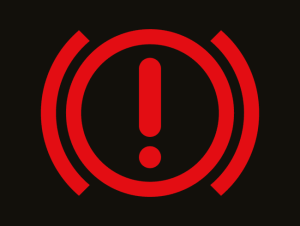
“BRAKE” stays lit when fluid is low or hydraulics fail. Park safely on level ground and arrange towing before moving again.
Charging System (Battery)
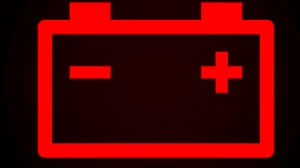
The alternator isn’t providing power. Turn off accessories and reach a workshop before the engine stalls.
Engine Coolant Temperature
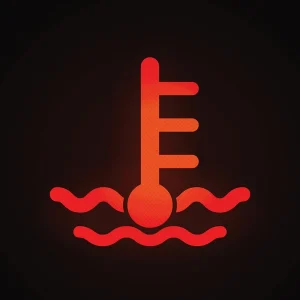
Overheating detected. Stop, let the engine cool, and only add coolant once temperatures drop.
Supplemental Restraint System (Airbag)
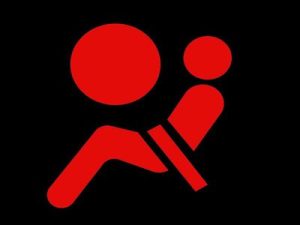
Airbags may not deploy in a crash. Avoid carrying passengers until inspected.
Seat Belt Reminder
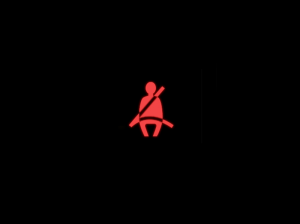
A seat belt is unlatched. Buckle up; the light and chime go out once all belts click.
Door Ajar
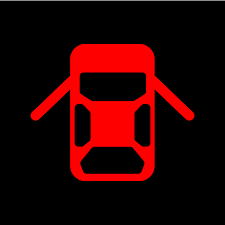
One or more doors aren’t fully closed. Stop and push each door firmly until the icon disappears.
Tailgate / Trunk Open
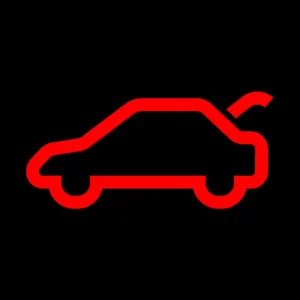
Liftgate isn’t latched. Pull over and secure it to avoid damage or fumes entering the cabin.
Parking Brake Engaged
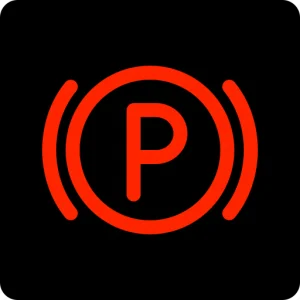
Red “P” or the word BRAKE shows the parking brake is on. Release before driving to prevent rotor damage.
Collision Mitigation Braking
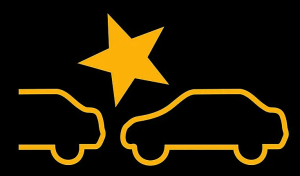
System senses an imminent crash and applies brakes. Press the pedal firmly and steer clear.
Low Brake Fluid

Fluid is below the minimum mark. Do not continue; leaks or worn pads need immediate repair.
Transmission Temperature
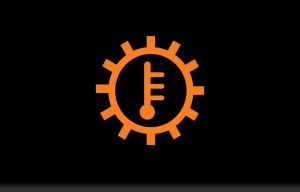
Fluid overheated from towing or steep climbs. Shift to Park, idle until the light clears, then have it checked.
Steering Lock
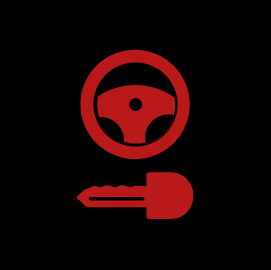
Steering column isn’t released. Cycle the ignition and wiggle the wheel; tow the van if it stays locked.
Yellow / Amber (Action Required Soon)
Check Engine / Malfunction Lamp
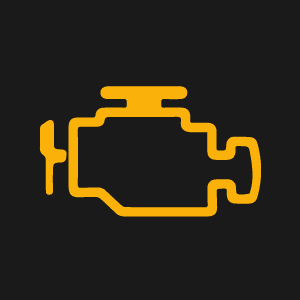
An emission sensor or the fuel cap is loose. Tighten the cap; if the light stays on, schedule diagnostics.
Anti-Lock Braking System (ABS)
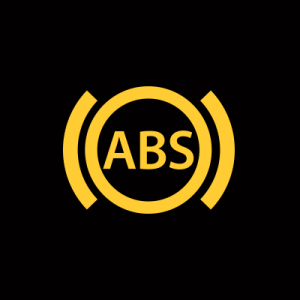
ABS is disabled, though normal brakes still work. Drive gently and arrange repair.
Tire Pressure Monitoring (TPMS)
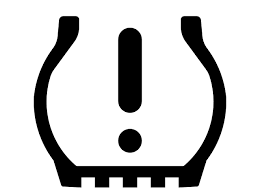
A tire is under about 25% of its target pressure. Inflate to the placard value and recheck.
Electric Power Steering (EPS)

Power assist reduced. Steering feels heavy; inspect the system promptly.
Vehicle Stability Assist (VSA)
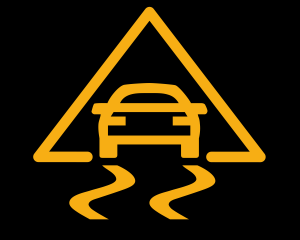
Traction control is offline. Drive cautiously and have sensors checked.
Low Fuel
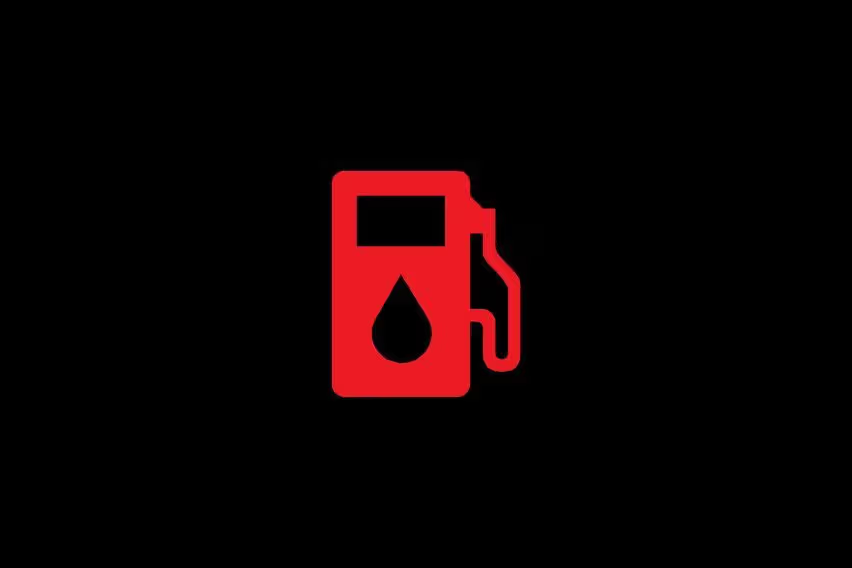
About two gallons remain. Refuel soon to avoid stalling.
Maintenance Minder (Wrench)
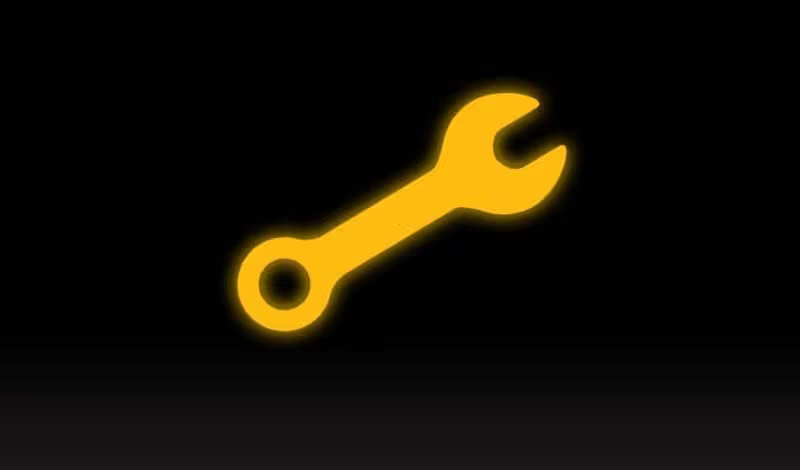
Oil life or a service interval is due. Book routine maintenance at your convenience.
Smart Entry System
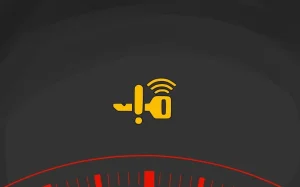
Key-fob battery low or antenna fault. Replace the battery or use the mechanical key.
System Message (Circle “i”)
A general alert needs attention on the driver display. Follow the on-screen instructions.
Blind Spot Information
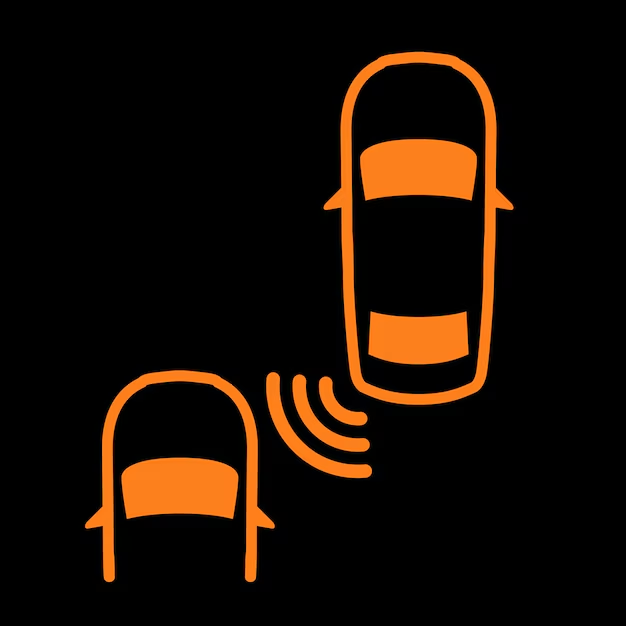
A vehicle is detected beside you. Wait before changing lanes and clean sensors if the light persists.
Road Departure Mitigation
System intervened or is faulty. Center the van and have cameras checked.
Lane Departure Warning
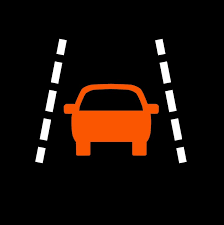
Camera can’t read lane lines. Clean the windshield and schedule calibration if needed.
Adaptive Cruise Control Fault
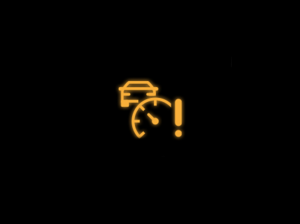
ACC is unavailable. Resume manual speed control and plan service.
Forward Collision Warning
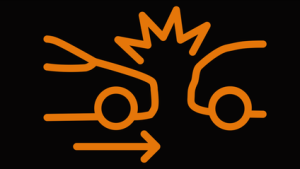
Radar or camera is blocked. Clear ice or dirt and realign sensors if required.
Auto Idle-Stop Fault
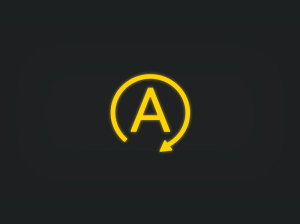
System is suspended due to battery or sensor issues. Engine keeps idling; have it inspected soon.
Green (Information Only)
ECO Mode Active
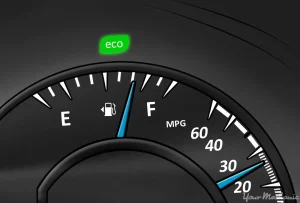
Systems adjust for better fuel economy. Enjoy the savings; no action needed.
Immobilizer Key Detected
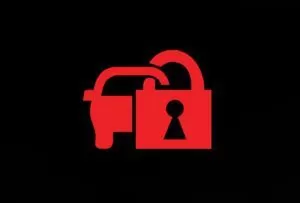
Flashes until the correct key is recognized. Confirms a normal start.
Headlights On

Low beams or daytime running lights are active. Turn off manually when parked.
High Beams On

Blue icon shows brights are engaged. Dip them for oncoming traffic.
Turn Signals
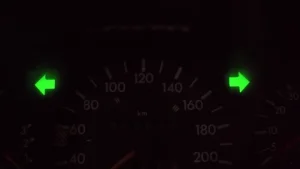
Left or right arrow flashes with every blink. Cancel after lane changes.
Fog Lights On

Extra lamps are on for foggy roads. Switch off in clear weather.
Exterior Lights Auto Mode

Green “A” confirms automatic headlight mode. The system handles lighting for you.
Adaptive Cruise Engaged
ACC is maintaining distance. Stay alert and keep hands on the wheel.
All-Wheel Traction

Green car icon blinks when traction control engages briefly on slippery roads.
Auto Idle-Stop Active
Engine is paused at a stop to save fuel. Press the brake harder or shift to move off.
Brake Hold Active
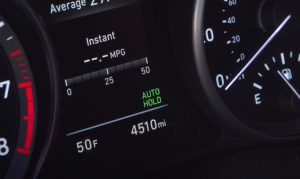
Holds the van at traffic lights; tap the accelerator to release.
Instrument Panel Brightness
Green bar appears when adjusting the dimmer. Set brightness and it fades away.
When looking at Honda , make sure to check out our guides on models like the Honda Accord, Honda CR-V, Honda Civic, and Honda Jazz. Understanding dashboard warning lights is essential. Our expert reviews break down what each light means, highlighting common alerts for these models and what they could signal about underlying issues, so you’re never left guessing behind the wheel.