
It’s a coincidence you’re looking to reset your Volvo’s Auto Start/Stop. You’ll need to access the touchscreen display. Now, you’re about to find out how.
Quick Navigation
Key Takeaways
- Access User Preferences through the touchscreen display.
- Default setting is “on” after each vehicle restart.
- Dynamic mode keeps the Auto Start/Stop system off.
- Low battery charge can disable the system.
- Update software for optimal system performance.
Understanding the Start/Stop Functionality
Because the Start/Stop function is designed to optimize fuel efficiency and minimize emissions, you’ll want to understand how it works in your Volvo.
It automatically shuts off the engine when stationary, improving engine efficiency. You’ll experience Start/Stop benefits, like reduced fuel consumption.
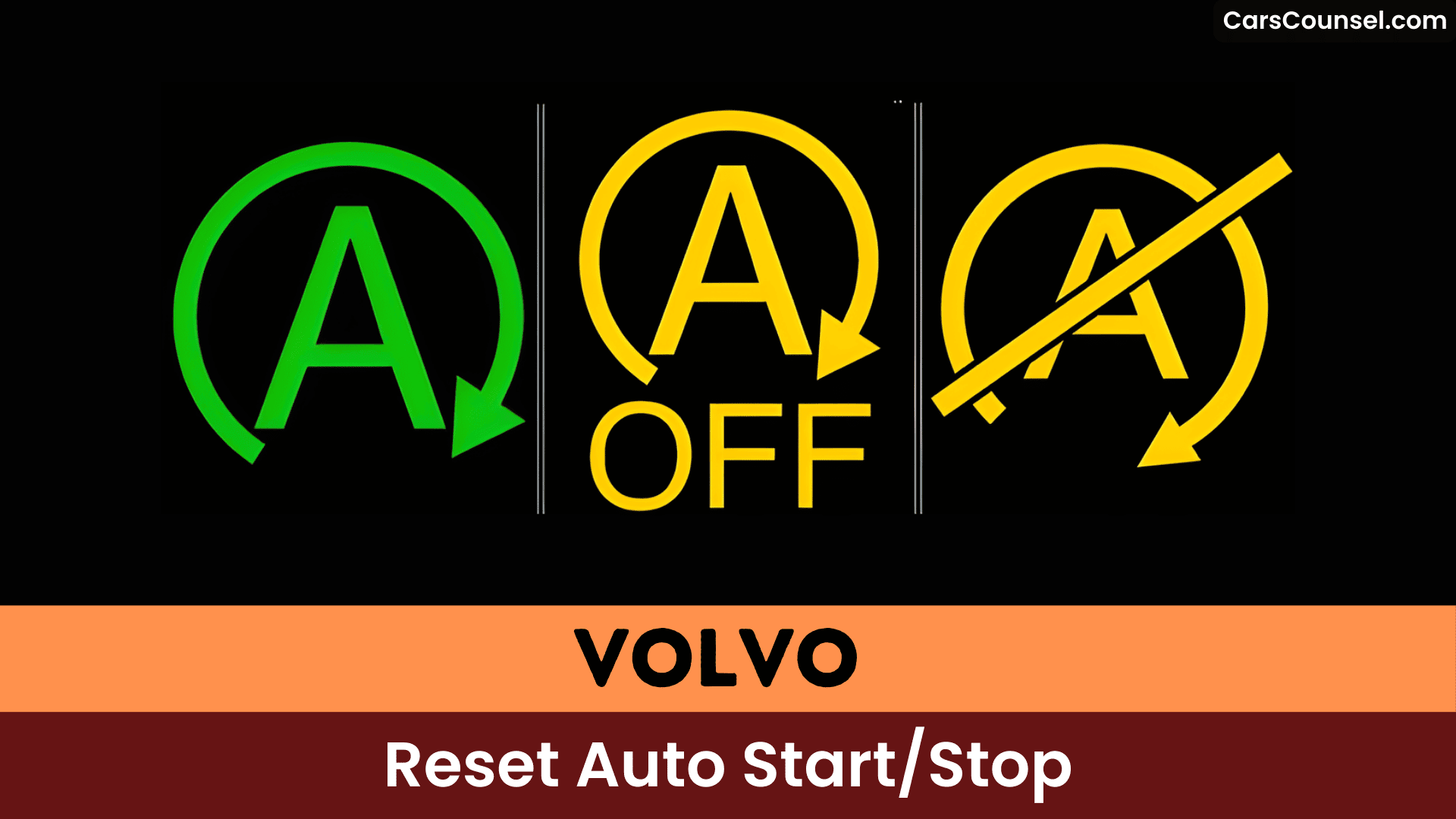
The system activates when the brake pedal is depressed, and its status is indicated on the driver display, enhancing your overall driving experience with improved engine efficiency.
Deactivating the Auto Start/Stop Feature
You’ll likely want to deactivate the Auto Start/Stop feature at some point, and doing so requires accessing your Volvo’s touchscreen display, as there’s no dedicated button for this function.
You can configure User Preferences to disable it. The system defaults to “on” after each restart, so you’ll need to turn it off manually.
You can also drive in Dynamic mode to keep it off, which aligns with your Auto Start/Stop preferences.
Troubleshooting Common Issues
When the Auto Start/Stop system on your Volvo isn’t functioning as expected, it’s essential to identify the root cause of the issue.
You’ll want to check your vehicle’s battery performance, as a low or aging battery can disable the feature.
Additionally, verify you’ve installed the latest software updates, as they often resolve bugs affecting the system’s performance.
This helps you troubleshoot common issues efficiently.
Customization and Settings
Having identified and addressed potential issues with your Volvo’s Auto Start/Stop system, you can now customize its settings to suit your preferences.
You can create driver profiles with user preferences, defaulting to Dynamic mode, which keeps the start/stop system off.
Some models allow saving the last preference for the start/stop function, depending on the software version.
Maintenance and Repair Tips
Proper maintenance is crucial to guarantee the Auto Start/Stop system functions efficiently, and it’s essential that you check your vehicle’s battery health regularly, as a low charge can disable the system and lead to battery failure.
You should:
- Check battery health
- Update software
- Perform diagnostic scans
- Maintain engine components, ensuring software updates and good battery health.
Frequently Asked Questions
How Do I Reset My Start Stop System?
You reset your Start Stop system by troubleshooting, checking battery health, and updating software, to restore its benefits and guarantee proper System operation and functionality.
Why Is My Start Stop Not Working on My Volvo?
You’re experiencing start stop functionality issues, likely due to common issues like low battery charge, cold weather, or mechanical faults, which you’ll need to investigate and address to restore proper operation.
How to Reboot a Volvo System?
You reboot your Volvo system by turning it off, waiting, then restarting, following volvo maintenance tips and system troubleshooting advice to resolve issues efficiently.
What Does It Mean When My Volvo Says Start Stop Service Required?
You’re experiencing start stop functionality issues, likely due to battery issues, faulty sensors, or software errors, which require professional attention to resolve and maintain peak performance.
Conclusion
You’ve reset the Auto Start/Stop feature on your Volvo, but will it improve fuel efficiency? Investigating this theory reveals it can, as it reduces idle time. By disabling and re-enabling the feature, you’re ensuring it functions correctly, optimizing performance and potentially saving fuel, given your vehicle’s battery and software are up-to-date.
