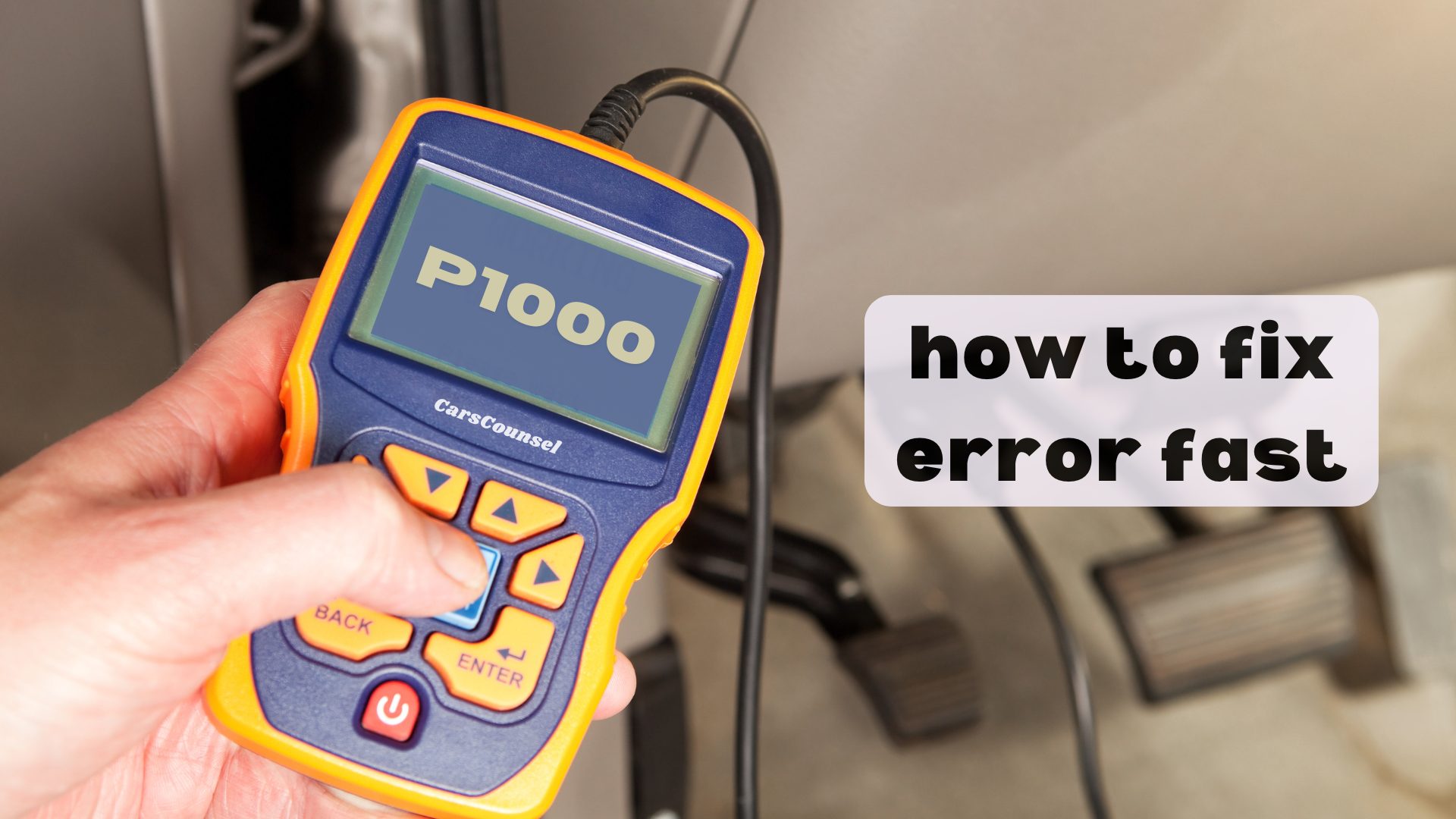
P1000 is a manufacturer-specific OBD-II code indicating that the onboard diagnostic system readiness monitors have not completed their self-tests. This definition primarily applies to Ford, Mazda, Jaguar, and Land Rover vehicles.
This code does not indicate a mechanical or electrical component failure. It simply means the vehicle’s computer has not yet gathered enough data to verify the emissions systems are functioning correctly.
Quick Navigation
Key Takeaways
- P1000 indicates the OBD-II readiness monitors have not completed their self-tests, not a component failure.
- This code typically appears after the battery is disconnected, diagnostic codes are cleared, or the ECU is replaced.
- Resolving the code requires driving the vehicle through specific manufacturer-defined drive cycles to complete the monitors.
- A vehicle with a P1000 code will likely fail an emissions inspection because the testing equipment cannot verify system readiness.
P1000 Code Description and Implications
The P1000 code is defined as “OBD-II Readiness Test Not Complete.” It is a manufacturer-specific code primarily found on Ford, Mazda, Jaguar, and Land Rover applications.
The powertrain control module runs internal self-tests, known as readiness monitors, to verify the emissions systems. If these tests are interrupted or reset, the module stores the P1000 code.
This code does not mean a sensor or component has failed. It simply indicates the diagnostic process is incomplete.
Common Causes of the P1000 Code
- Recent battery disconnection or replacement, which clears the ECU memory and resets the monitors.
- Clearing diagnostic trouble codes with an OBD-II scanner, which resets the readiness monitors.
- ECU replacement or software reprogramming.
- Interrupted drive cycles, where the vehicle is not driven under the specific conditions required to complete the self-tests.
- An underlying fault preventing a specific monitor from running, though this usually sets a separate diagnostic trouble code.
Symptoms Associated With P1000
- Illuminated Check Engine Light, though P1000 alone typically does not command the MIL on all applications.
- Failure to pass an OBD-II emissions inspection due to incomplete readiness monitors.
- No noticeable drivability symptoms, as the code relates to diagnostic status rather than engine performance.
Diagnosing the P1000 Trouble Code
Diagnosis begins by connecting an OBD-II scanner to verify the presence of the P1000 code and check for any other stored OBD2 Codes.
If other codes are present, they must be diagnosed and repaired first, as active faults will prevent the readiness monitors from completing.
Check the monitor status on the scan tool to identify which specific tests are incomplete. Review the manufacturer’s specific drive cycle procedure required to run the incomplete monitors.
Repairing the P1000 Issue
Repairing a P1000 code does not involve replacing parts. It requires completing the manufacturer’s drive cycle.
If the battery was recently disconnected or codes were cleared, drive the vehicle according to the exact manufacturer procedure.
This typically involves a combination of cold starts, city driving, and highway cruising at specific speeds and temperatures.
If a specific monitor refuses to complete, diagnose the underlying system preventing the test from running.
Cost Considerations for P1000 Repairs
Cost depends on diagnostic time if an underlying fault is preventing monitor completion.
If the code is simply due to a recent battery disconnect or code clearing, there are no parts or labor costs required, only the time needed to complete the drive cycle.
Prevention Strategies for Future Occurrences
- Avoid disconnecting the battery unnecessarily, as this resets the readiness monitors.
- When clearing codes, be aware that the vehicle will need to complete a full drive cycle before passing an emissions test.
- Maintain the vehicle according to the manufacturer schedule to prevent underlying faults that could interrupt monitor completion.
Troubleshooting Tips and Best Practices
- Do not replace the ECU, oxygen sensors, or other components based solely on a P1000 code. This code indicates a diagnostic status, not a component failure.
- If the vehicle is due for an emissions inspection, complete the drive cycle several days before the test to ensure all monitors have sufficient time to run.
- Consult the exact factory service information for your vehicle, as drive cycle requirements vary significantly between manufacturers and model years.
More OBD-II Codes
| P0741 | P0750 | P0751 | P0752 |
| P0753 | P0755 | P1001 | P1002 |
| P1003 | P1004 | P1005 | P1008 |
| P1009 | P1010 | P1011 | P1013 |
| P1014 | P1015 | P1016 | P1017 |
| P1018 | P1028 | P1032 | P1035 |
Frequently Asked Questions
Is P1000 a generic or manufacturer-specific code?
No. P1000 is a manufacturer-specific code. Its definition regarding incomplete OBD-II readiness monitors primarily applies to Ford, Mazda, Jaguar, and Land Rover vehicles.
Will a P1000 code cause my car to fail an emissions test?
Yes. Emissions testing equipment requires the OBD-II readiness monitors to be complete. A P1000 code indicates the monitors are incomplete, resulting in an automatic failure in most jurisdictions.
Can I clear a P1000 code with a scanner?
No. Clearing the code with a scanner will only reset the monitors again. The only way to clear a P1000 code is to drive the vehicle through the required manufacturer drive cycles.
How long does it take to clear a P1000 code?
It depends on the application. Completing the required drive cycles can take anywhere from a few days of normal driving to over a hundred miles of specific driving conditions.
Does a P1000 code mean my catalytic converter is bad?
No. P1000 does not indicate a component failure. It simply means the computer has not yet finished testing the emissions systems, which may include the catalytic converter monitor.
What Should You Do About the P1000 Code?
Confirm that no other active diagnostic trouble codes are present, then follow the exact manufacturer drive cycle procedure for your vehicle. Address any underlying faults preventing monitor completion, verify the monitors have set, and then proceed with emissions testing.