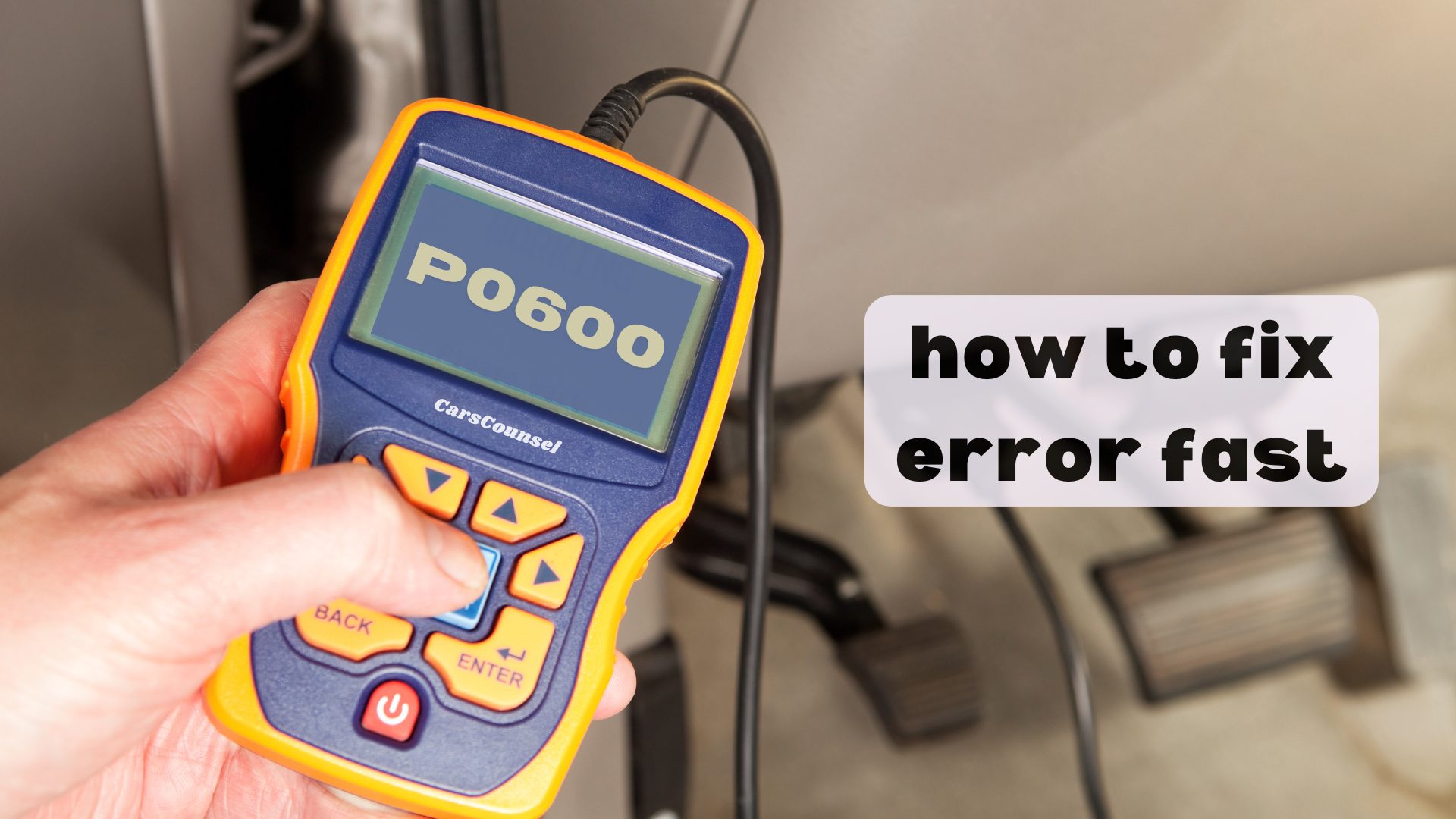
Among OBD2 codes, the P0600 code is a generic powertrain definition indicating a “Serial Communication Link Malfunction.” It means the engine control module (ECM) or powertrain control module (PCM) has detected a failure in the serial data network.
Because this code points to a network communication fault rather than a single failed part, the exact diagnostic path depends on your vehicle’s specific network architecture. Testing the data link circuits and related modules is required to identify the root cause.
Quick Navigation
Key Takeaways
- Network fault detected: The PCM has lost communication on the serial data link, which may involve the CAN bus or older communication protocols depending on the vehicle.
- Multiple modules affected: A failure on the data bus can prevent the engine, transmission, and body control modules from sharing vital information.
- Wiring and module checks required: Diagnosis involves inspecting data link wiring for shorts or opens and testing individual modules that may be pulling down the network.
- Do not ignore related codes: Other network or module-specific codes (such as U-codes) often accompany P0600 and help pinpoint the exact failing component.
P0600 Code Description and Implications
The P0600 code is a generic SAE definition for a Serial Communication Link Malfunction. Modern vehicles rely on a serial data network to allow the powertrain control module (PCM), transmission control module (TCM), anti-lock braking system (ABS), and body control module (BCM) to share operating data.
When the PCM detects that the expected data packets are missing, corrupted, or completely absent from the communication bus, it stores the P0600 code. Depending on the vehicle’s age and architecture, this network may be a high-speed Controller Area Network (CAN) bus or an older protocol.
Because the modules rely on shared data for engine timing, shift scheduling, and stability control, a serial communication failure can cause multiple systems to behave erratically or enter a fail-safe mode. The code does not prove that the PCM itself has failed; it only confirms a network breakdown.
Common Causes of the P0600 Code
The root cause of a serial communication link malfunction usually involves the physical data network or the power supply to the connected modules. Possible causes include:
- Data link wiring issues: An open circuit, short to ground, or short to voltage on the serial communication wires can halt network traffic.
- Corroded or loose connectors: Moisture intrusion or damaged pins at the OBD-II diagnostic port or module connectors can disrupt the signal.
- Faulty control module: A single failed module (such as the ABS or TCM) with an internal short can pull the entire communication bus voltage down.
- Power or ground faults: If a module loses its main power or ground connection, it will drop off the network, triggering a communication code in the PCM.
- Aftermarket accessories: Devices wired directly into the data bus or OBD-II port, such as alarm systems or performance tuners, can introduce electrical noise that corrupts the signal.
Symptoms Associated With P0600
The symptoms of a P0600 code vary widely depending on which modules are affected and the vehicle’s fail-safe strategies. Some vehicles may exhibit no drivability issues other than a warning light, while others may become undrivable.
Possible symptoms include:
- Illuminated Check Engine Light (MIL) and potentially other warning lamps (ABS, Traction Control, Airbag).
- The engine may enter a limp mode, limiting RPM and vehicle speed.
- Harsh transmission shifting or failure to shift, as the TCM loses engine load data.
- Stalling, rough idle, or a no-start condition if the vehicle loses immobilizer or fuel delivery data.
- Loss of communication with an OBD-II scan tool when attempting to read live data or clear codes.
Diagnosing the P0600 Trouble Code
Diagnosing a network communication fault requires the exact vehicle wiring diagrams and a digital multimeter. The first step is always to verify the exact factory definition and network architecture for your specific make, model, and year.
A professional diagnostic workflow typically includes:
- Scan for related codes: Check for U-codes (network codes) or module-specific internal fault codes. These often point directly to the module that dropped off the network.
- Inspect the OBD-II port: Check the data link connector (DLC) for bent pins, corrosion, or aftermarket devices plugged into the port.
- Check module power and grounds: Verify that all major control modules have proper battery voltage and clean ground connections. A module without power cannot communicate.
- Test the data link circuits: Using a multimeter or oscilloscope, measure the voltage on the communication bus wires. Compare the readings to the manufacturer’s specifications.
- Isolate the fault: If the bus voltage is pulled low, technicians may systematically disconnect modules one by one. If the network voltage returns to normal when a specific module is unplugged, that module is likely faulty.
Repairing the P0600 Issue
Repairs must follow confirmed diagnosis. Never replace the PCM or other modules based solely on the presence of a P0600 code.
- Wiring repair: If testing confirms an open or short in the data link harness, the damaged wiring must be repaired using proper soldering and shielding techniques to maintain network integrity.
- Connector service: Clean corroded terminals and apply dielectric grease to prevent future moisture intrusion. Replace damaged connector housings as needed.
- Module replacement: If diagnostic isolation confirms that a specific module has an internal short pulling down the bus, follow the manufacturer’s procedure to replace and program the new module.
- Software updates: If the manufacturer has issued a Technical Service Bulletin (TSB) or software calibration for network communication issues, reprogramming the affected module may resolve the fault.
Cost Considerations for P0600 Repairs
The cost to resolve a serial communication link malfunction depends entirely on the root cause, diagnostic time, and component accessibility.
If the issue is a broken wire or a corroded connector at the OBD-II port, the repair may primarily involve labor time for electrical diagnosis. If a specific control module has failed internally, the cost includes the new module plus programming labor.
Prevention Strategies for Future Occurrences
While internal module failures cannot always be predicted, you can protect the vehicle’s external data network from common environmental damage.
- Protect the OBD-II port: Avoid forcing scan tool connectors into the diagnostic port, and ensure the port cover remains closed to keep out dust and moisture.
- Inspect module connectors: During routine servicing, visually inspect the connectors at the PCM, TCM, and ABS modules for signs of water intrusion, green corrosion, or loose seals.
- Manage aftermarket accessories: Ensure that any aftermarket electronics or trackers are wired to switched accessory circuits rather than being spliced directly into the vehicle’s high-speed data wires.
Troubleshooting Tips and Best Practices
When dealing with a P0600 code, keep these diagnostic principles in mind to avoid unnecessary parts replacement:
- Do not assume the PCM is dead: The PCM is the module reporting the fault, but the actual failure is often a completely different module on the network or a simple wiring break.
- Check the battery and alternator: Modern vehicle networks are highly sensitive to voltage fluctuations. A failing battery or alternator outputting excessive AC ripple can corrupt serial data signals.
- Look for water intrusion: Modules located in the engine bay, near the firewall, or under the vehicle are prone to water ingress. Check for dampness inside the connector cavities.
- Use an advanced scan tool: A basic code reader may only show P0600. A capable scan tool can query individual modules to see which ones are active and which are not communicating.
More OBD-II Codes
| P0599 | P0598 | P0597 | P0563 |
| P0562 | P0560 | P0601 | P0602 |
| P0603 | P0604 | P0605 | P0606 |
| P0607 | U0001 | U0073 | U0100 |
| U0101 | U0140 | U0155 | P0700 |
| P0300 | P0420 | P0171 | P0440 |
Frequently Asked Questions
Can a bad battery cause a P0600 code?
Yes. Modern vehicle communication networks are highly sensitive to voltage stability. A failing battery, poor ground, or an alternator producing excessive electrical ripple can corrupt data signals, causing modules to drop off the network and trigger a P0600 code.
Will a P0600 code clear itself?
If the underlying network fault was a temporary voltage drop or loose connection that has since stopped, the code may eventually clear after successful monitor operation. However, pending or permanent code behavior varies, and the system should still be rescanned.
Is it safe to drive with a P0600 code?
It depends on the symptoms. If the vehicle has entered limp mode, lacks stability control, or experiences harsh shifts, it is unsafe to drive. If the vehicle operates normally and only the Check Engine Light is on, seek diagnosis promptly.
Can an aftermarket alarm cause a P0600 code?
Yes. If an aftermarket alarm, remote starter, or performance tuner was improperly spliced into the vehicle’s serial data wires or OBD-II port, it can introduce electrical noise or block data packets, resulting in a communication link malfunction code.
Does P0600 mean my PCM needs to be replaced?
No. P0600 indicates that the PCM detected a fault on the communication network. The root cause is frequently a broken data wire, a corroded connector, or a completely different module failing and pulling down the network bus. Diagnostic testing is required.
What Should You Do About the P0600 Code?
Because the P0600 code indicates a breakdown in the vehicle’s serial communication network, it requires systematic electrical diagnosis rather than trial-and-error parts replacement. Confirm the exact factory definition and network architecture for your specific vehicle application.
Inspect the data link wiring, OBD-II port, and module connectors for physical damage or corrosion. Verify that all related control modules have proper power and ground. Follow the manufacturer’s diagnostic procedure to isolate the faulty circuit or module, repair the confirmed root cause, and verify the repair.